Automated Competitor Analysis: How to Track Website Changes in Real-Time
In the digital age, marketing is a fast-paced battleground. If your competitor lowers their price, changes their headline, or launches a new feature, you need to know about it now—not three weeks later when you accidentally stumble upon their website.
Traditionally, competitor analysis meant manually visiting 10 different websites every Monday morning, taking screenshots, and trying to remember if the pricing table looked different last week. It is tedious, prone to human error, and frankly, a waste of valuable time.
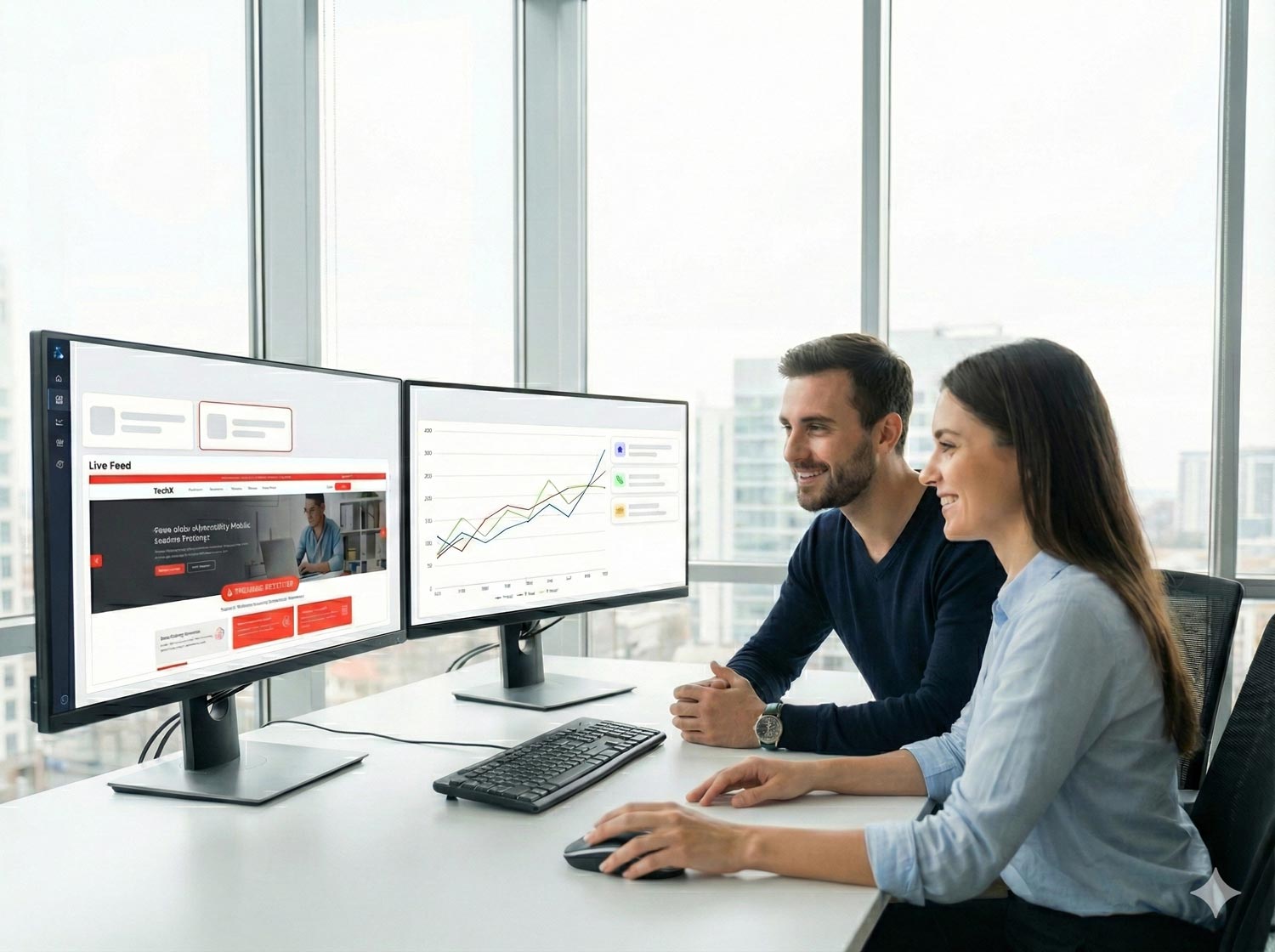
Smart marketers are now automating this process. By using visual monitoring tools like Viewcel, you can build a 24/7 intelligence dashboard that alerts you the moment a competitor makes a move.
Why You Need to Monitor Competitor Sites
Your competitors are constantly A/B testing. When they change something on their site, it usually means they have found a strategy that works better. By monitoring these changes, you can reverse-engineer their success.
Pricing Strategies: Did they just introduce a "Summer Sale" or raise the price of their Enterprise tier?
Messaging & Positioning: Did they change their H1 headline from "Best CRM" to "Easiest CRM"? This tells you they are pivoting to target a different customer pain point.
Product Updates: Tracking their "Features" page can reveal new capabilities before they even announce them in a press release.
How to Build a Competitor Intelligence Dashboard
You can set up a comprehensive monitoring system in Viewcel in under 5 minutes. Here are the three key areas you should be tracking:
1. The Pricing Page
This is the most critical asset. Don't just monitor the whole page. Create a specific monitor for the pricing table area.
Setup Tip: Use visual monitoring rather than text monitoring here. Layout changes (like highlighting a "Most Popular" plan) are just as important as the numbers themselves.
2. The Homepage Hero Section
The "Hero" (the top section of the homepage) is prime real estate. It reflects the company's current main focus.
Set up a monitor that captures the H1 headline and the main Call-to-Action (CTA) button. If they change their main button from "Start Free Trial" to "Book a Demo," it signals a shift in their sales strategy.
3. The Footer (Hidden Gem)
Why the footer? Companies often quietly add new links to the footer first. This is where you find new "Partnerships," "Affiliate Programs," or "Legal" updates without big announcements.
Organizing Your Intel
Once you have set up monitors for your top 3-5 competitors, you can use Viewcel's dashboard to see a timeline of changes.
Instead of reacting with panic, you can now react with data. If a competitor drops their price, you get an email instantly, allowing you to decide if you need to match it or launch a counter-campaign immediately.
Stop Guessing. Start Knowing.
Competitor intelligence shouldn't be a guessing game. Automate the spying (ethically) and spend your time reacting to the market, not searching for it.